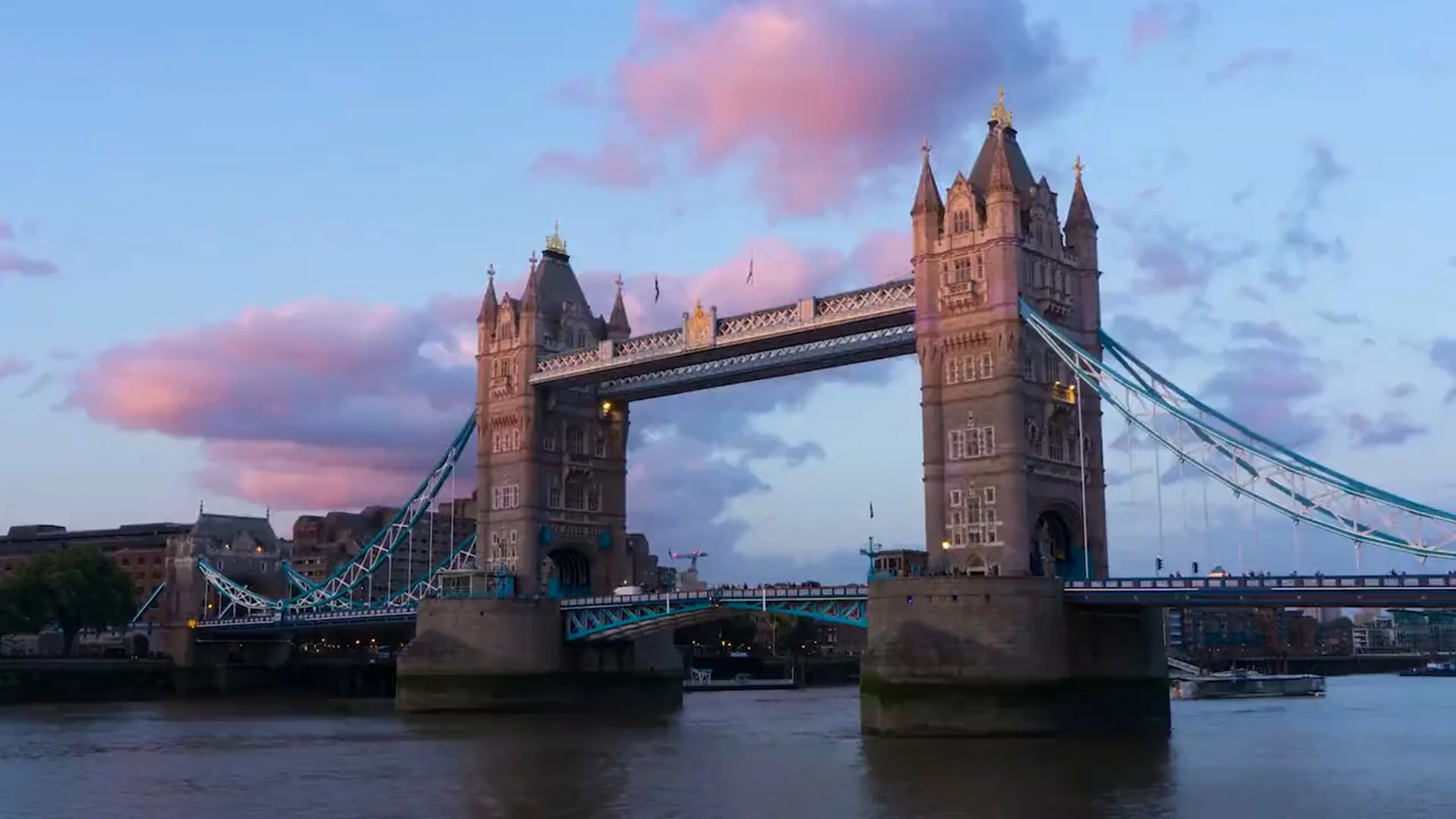
Timelapse & Hyperlapse Showreel
Construction, events, and creative projects
Watch our showreel featuring diverse timelapse techniques across construction sites, events, and creative productions
Timelapse photography has revolutionized how we document long-duration events, compressing hours, days, or even years into captivating seconds of footage. At Media Hog Productions, we've perfected this technique across hundreds of projects, from construction sites to product launches.
Whether you're documenting a year-long construction project or capturing the energy of a day-long event, timelapse offers a unique perspective that traditional video simply can't achieve. It reveals patterns, progressions, and transformations invisible to the naked eye.
What You'll Learn
Essential Equipment & Setup
Professional timelapse requires more than just a camera on a tripod. The right equipment ensures consistency, reliability, and stunning results across extended shooting periods.
Camera Systems
Primary Cameras
- Canon EOS R5 - 45MP stills, excellent battery life, built-in intervalometer
- Sony α7R V - 61MP resolution, advanced weather sealing, dual card slots
- Specialized Timelapse Cameras - Brinno TLC2020 for long-term projects
Pro Tip: Battery Management
For shoots exceeding 24 hours, we use external power solutions like V-mount batteries or AC adapters. A single V-mount can power a mirrorless camera for 48-72 hours of continuous shooting.
Stabilization & Motion Control
Static timelapses tell one story, but adding controlled motion creates cinema-quality sequences that command attention.
Sliders & Rails
- • Edelkrone SliderPLUS v5 PRO
- • Rhino Arc II for curved motion
- • Custom 20ft rails for construction
Pan/Tilt Heads
- • Syrp Genie II 3-axis
- • eMotimo spectrum ST4
- • Custom Arduino-based systems
Core Techniques & Interval Calculations
The secret to compelling timelapse lies in choosing the right interval. Too short, and motion appears jerky. Too long, and you miss crucial moments.
| Subject | Interval | Duration | Final Output |
|---|---|---|---|
| Traffic / Crowds | 1-2 seconds | 30 min | 15-30 sec |
| Clouds | 3-5 seconds | 2-3 hours | 20-30 sec |
| Construction | 5-10 minutes | Months | 2-3 min |
| Plant Growth | 15-30 minutes | Weeks | 30-60 sec |
The 180-Degree Rule Formula
Calculate your shutter speed for smooth motion blur:
Shutter Speed = Interval ÷ 2 For a 4-second interval, use a 2-second shutter speed. This creates natural motion blur, making movement appear smooth rather than staccato.
Industry Applications
Construction & Infrastructure
Document months of progress in minutes. We've captured everything from the Crossrail project to residential developments, providing stakeholders with compelling progress documentation.
- • Project milestone documentation
- • Health & safety compliance records
- • Marketing materials for developments
Events & Exhibitions
Capture the energy of your event from setup to breakdown. Perfect for showing scale, attendance, and atmosphere in shareable social content.
- • Conference hall transformations
- • Exhibition stand builds
- • Crowd flow visualization
Scientific & Research
Document experiments, growth patterns, and phenomena. We work with universities and research facilities to visualize data in compelling ways.
- • Laboratory experiments
- • Environmental monitoring
- • Manufacturing processes
Post-Production Workflow
The magic of timelapse often happens in post-production, where thousands of individual frames become a cohesive narrative. Our workflow ensures maximum quality while maintaining efficiency.
1. Image Processing & Selection
- • RAW Development: Process RAW files for maximum dynamic range and color depth
- • Deflickering: Remove exposure variations between frames using LRTimelapse or similar tools
- • Frame Selection: Remove problematic frames (workers in shot, equipment movements)
2. Stabilization & Motion
- • Warp Stabilizer: Apply in After Effects for handheld or wind-affected shots
- • Motion Smoothing: Refine slider or pan movements for cinematic feel
- • Hyperlapse Stabilization: Advanced tracking for walking timelapse sequences
3. Color Grading & Export
- • Day-to-Night Transitions: Smooth color temperature shifts for 24-hour captures
- • LUT Application: Apply consistent look across multiple sequences
- • Format Optimization: Export in 4K, 8K, or custom resolutions as needed
Our Software Stack
Primary Tools
- • Adobe Lightroom (RAW processing)
- • LRTimelapse (deflickering)
- • Adobe After Effects (stabilization)
- • DaVinci Resolve (color grading)
Specialized Tools
- • Helicon Focus (focus stacking)
- • PTGui (360° stitching)
- • Topaz Video AI (upscaling)
- • Frame.io (client review)
Frame Rate Consideration
We typically deliver at 24fps for cinematic feel, but can provide 30fps or 60fps for broadcast or social media. Higher frame rates work best for fast-moving subjects like traffic or crowds.
Real-World Case Studies
AtkinsRéalis Rail Upgrade Timelapse
A challenging 4-day continuous timelapse documenting critical rail infrastructure upgrades in Southeast UK. This project showcased our ability to capture construction work in demanding conditions with no access to mains power.
Technical Setup:
- → 1x external camera positioned for optimal coverage
- → 4 days continuous capture with no mains power
- → Large battery packs providing 96+ hours operation
- → Super clamp mounting for secure infrastructure attachment
- → Waterproof camera housing for weather protection
- → Low-light capable sensor for overnight works
Result: Delivered comprehensive documentation of the entire upgrade process, including night works, providing AtkinsRéalis with valuable project insights and marketing material.
Click to watch the full timelapse
Why This Setup Works:
- • Battery power eliminates mains dependency
- • Weatherproof housing survives UK conditions
- • Low-light sensors capture overnight works
- • Remote monitoring reduces site visits
Mount Anvil - Canary Wharf Promo
For a marketing agency working with Mount Anvil, we created a high-energy promotional film showcasing Canary Wharf. This project combined traditional video, drone footage, timelapse and hyperlapse techniques to capture the dynamic spirit of London's financial district.
Creative Approach:
- → Mixed technique approach blending traditional video with motion capture
- → Drone footage revealing the scale of the development
- → Timelapse sequences capturing the rhythm of city life
- → Hyperlapse movement adding kinetic energy throughout
- → Premium edit matching Canary Wharf's prestige
Result: The timelapse and hyperlapse elements brought a fresh angle and energy to the film - perfectly fitting Canary Wharf's dynamic, forward-thinking character. The blended approach created a promotional video that stood out from traditional property marketing.
Click to watch the full promo
Why Timelapse & Hyperlapse Work Here:
- • Shows the area's vibrant 24-hour energy
- • Creates visual dynamism matching the location
- • Differentiates from static property marketing
- • Captures scale impossible with traditional video
Alexander McQueen x Jonathan Glazer
Our most prestigious timelapse project - working alongside Oscar-winning director Jonathan Glazer (Best International Feature Film, The Zone of Interest, 2024) for luxury fashion house Alexander McQueen's Spring/Summer launch film.
Project Scale:
- → Week-long winter shoot capturing London's Thames tidal rhythms
- → 12-hour exterior days in challenging winter conditions
- → 6-hour tidal cycles documented in their entirety
- → Cinema-grade output for global campaign rollout
Global Impact: Our timelapse footage became the official campaign teaser, displayed full-screen on Piccadilly Circus, Times Square NYC, and projected onto the Burj Khalifa in Dubai.
Short clip from the shoot - click to watch
Where It Was Shown:
- • Piccadilly Circus, London (full screen takeover)
- • Times Square, New York City
- • Burj Khalifa, Dubai (projection)
Ready to Capture Time?
Whether you need to document a day-long event or a year-long project, our timelapse experts can help you tell your story in a uniquely compelling way.